Frequently Asked Questions
Rules1
General Rules
- Items are generally not refundable.
- PvP is only allowed depending on the situation and can be turned on or off in the claim settings.
- Looting player graves is prohibited.
- Spawn trapping is not allowed.
- Griefing is prohibited.
- Advertising, especially for other servers, is forbidden.
Technical Guidelines
- Bug using/exploiting is not permitted.
- Bugs and errors on our server must be reported to the team via private message in the forum or through the ticket system on our - - Discord server.
- Spreading information about bugs and errors is prohibited.
- Client modifications that provide an unfair advantage are forbidden. (Exception: Autoclicker in moderation)
- Multiple accounts are generally allowed. However, using them to gain advantages (e.g., ban evasion) is prohibited.
Behavioral Guidelines
- Offensive, provocative, inappropriate, or National Socialist content is not permitted on any of our platforms and servers.
- Offensive, provocative, inappropriate, or National Socialist usernames are forbidden.
- Refrain from using racist, far-right, far-left, and religion-related symbols or expressions.
- Refrain from direct and indirect insults.
- Refrain from inappropriate/sexual remarks.
- Begging for items is not permitted.
Chat Rules
- StyleLabor hosts players of all age groups, making appropriate interaction essential.
- Chat language is limited to German and English.
- Spam is not allowed in any form.
- Excessive use of punctuation marks (e.g., "!" and "?") should be avoided.
Technical Requirements
- To prevent excessive server load and maintain gameplay enjoyment:
- Loops with cables (items, fluids, energy, or others) must be avoided. Often there are ways to separate these even when placed adjacent to each other.
- Excessive accumulation of entities (items, experience points, monsters, or others) should be avoided. Set up automatic systems to prevent this.
- Multiblocks should not be built across chunk boundaries when possible due to their size. If unavoidable, all containing chunks should be force-loaded if necessary.
- Minecraft hoppers can cause significant server load when used in excessive numbers. Please avoid using large quantities of these.
- Creating many flowing blocks (water, lava, etc.) should be avoided; if necessary, these may be removed by a team member.
- Excessive overdoing in every respect, which noticeably overloads the server, can lead to parts of the base or individual machines being deleted. Nevertheless, this actually happens after consultation, otherwise in most cases we keep a backup of the world with the complete base for a certain time!
* Purchasing a rank does not protect you from being banned or similar penalties!
Discord1

Technical Help1

For some issues, we need your logs to provide further assistance! First, you need to locate the logs. Most launchers have a feature that lets you open the modpack folder! From there, open the “Logs” folder:
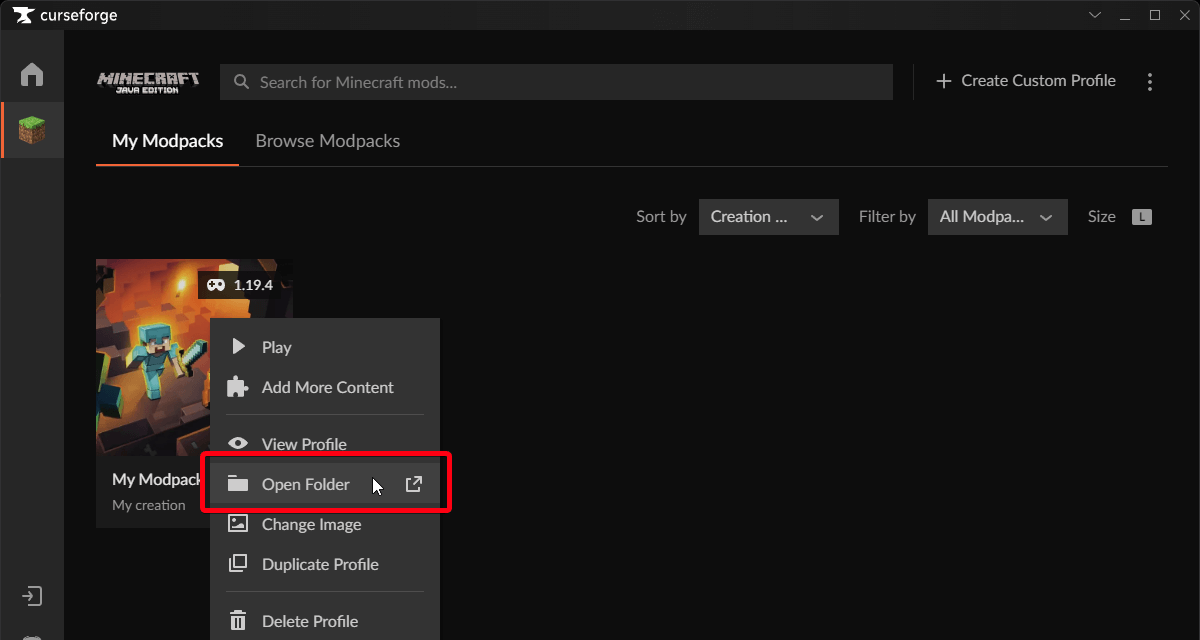
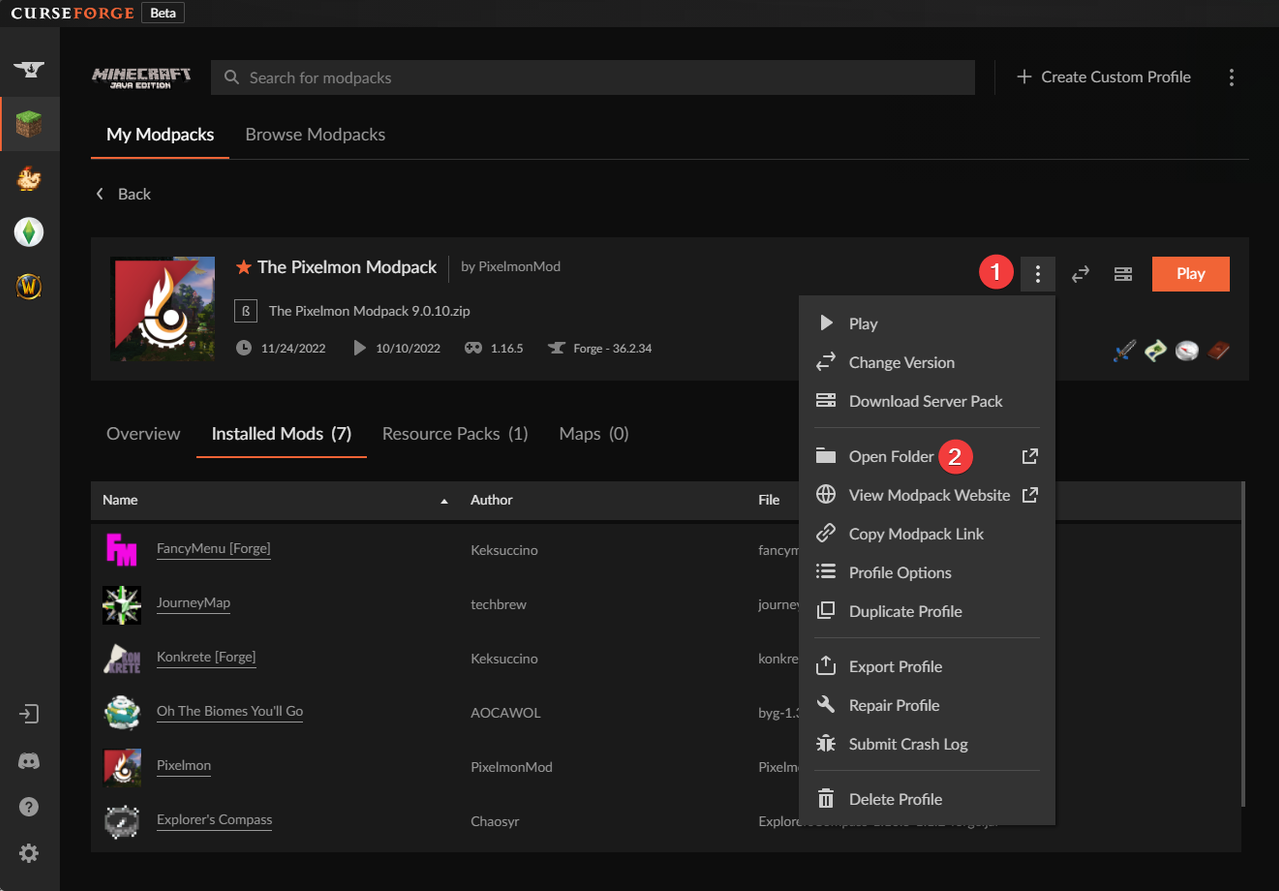
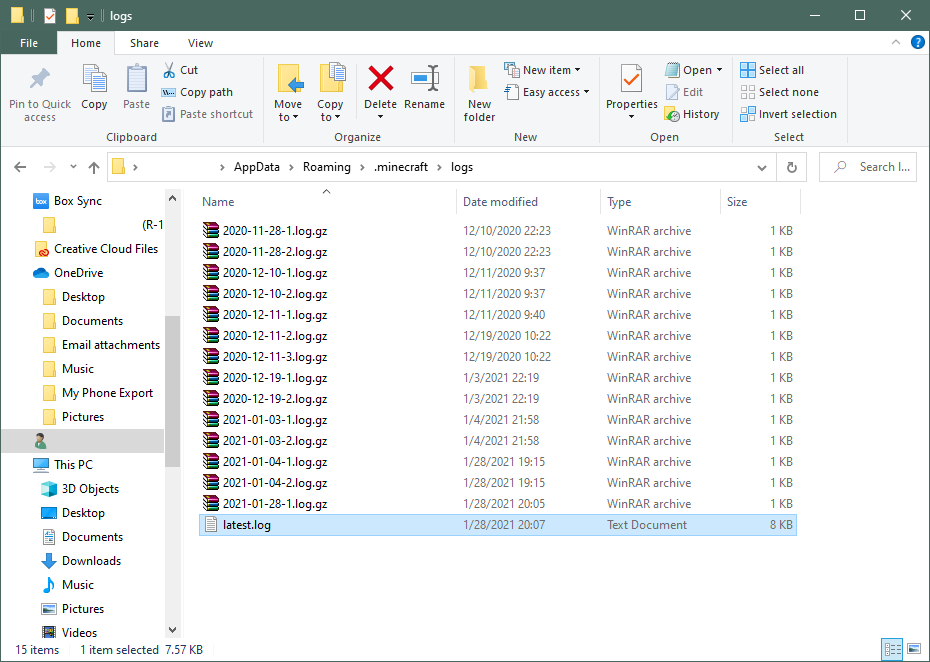
This folder may contain many different log files. We often need the latest.log and the debug.log (please note what we ask for in the ticket!).
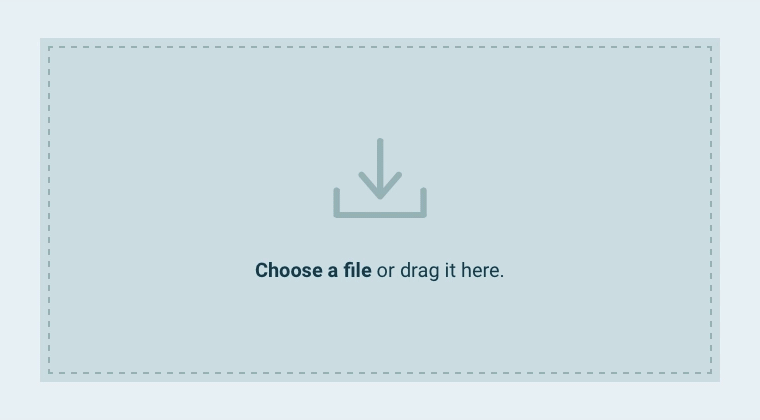
Now you need to upload the files! https://mclo.gs/ Just drag and drop the .log file there!
Once the file has been uploaded, click SAVE!
Then copy the URL and send it to our team!
If you want or need to upload multiple logs, you’ll need to repeat the steps of dragging and dropping, saving, and copying the URL!
Mod / Modpacks2
What should I keep in mind when claiming chunks:
Claiming chunks (especially via the GUI) is kept simple. However, only one person on the team should claim the chunks at a time, as otherwise you may run into OpenPac’s functional limitations.
If a team member has purchased a rank, we strongly recommend that the team member with the highest rank claim all chunks so that permissions (including OfflineForceLoad) work correctly and without further complications!
How do I play with friends?
To play with your friends, you should create an OpenPac team using the command /openpac-parties create and invite your friend.
Please note the information above regarding claiming chunks as a team!
Some people don't have “FTB Essentials” installed on their client. That's why the messages look a little strange. If you add this mod manually, the messages will look correct!
Important: In some cases, you'll also need to install the FTB Library!
Can't find your answer?
Our team is happy to help. Join our Discord server.